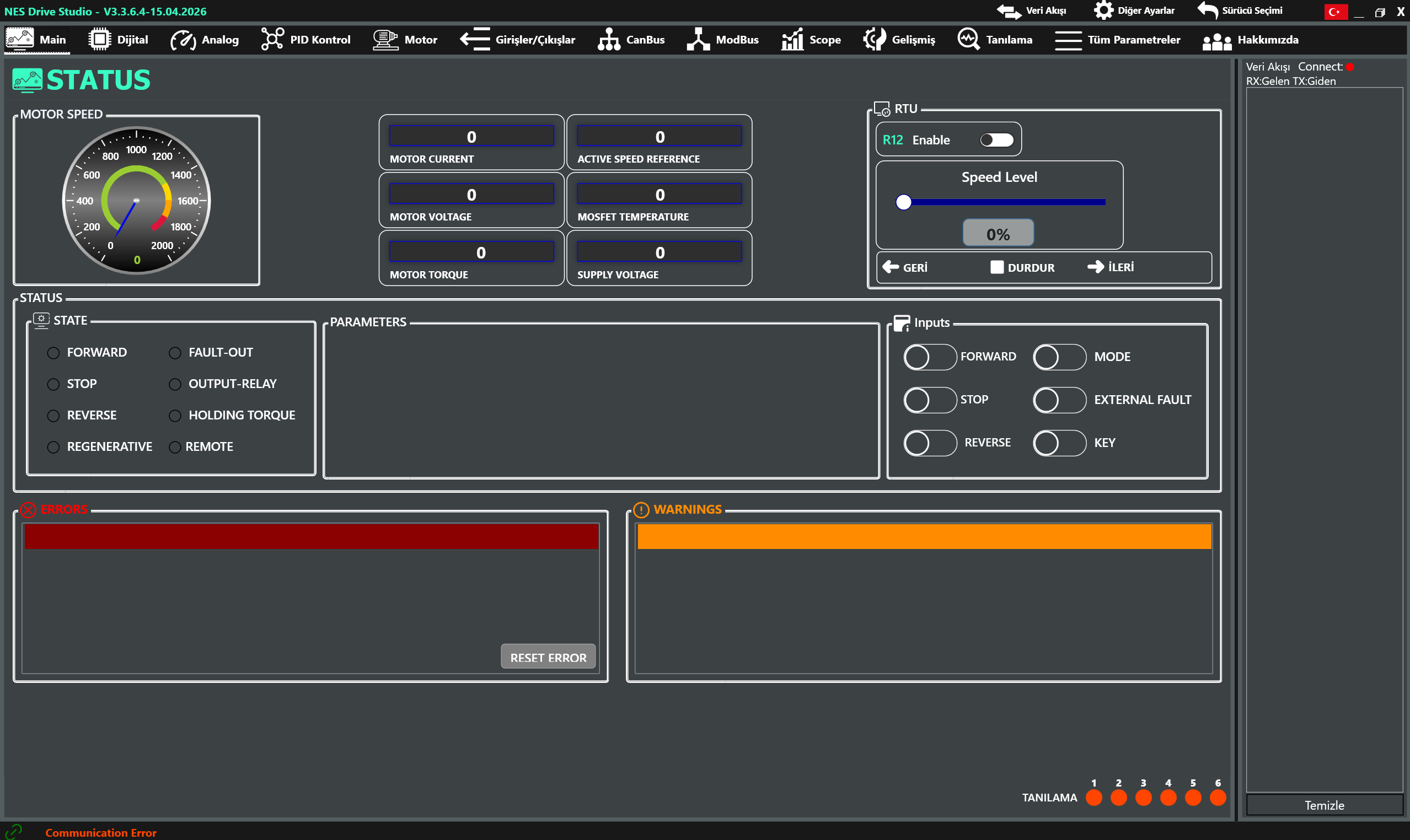
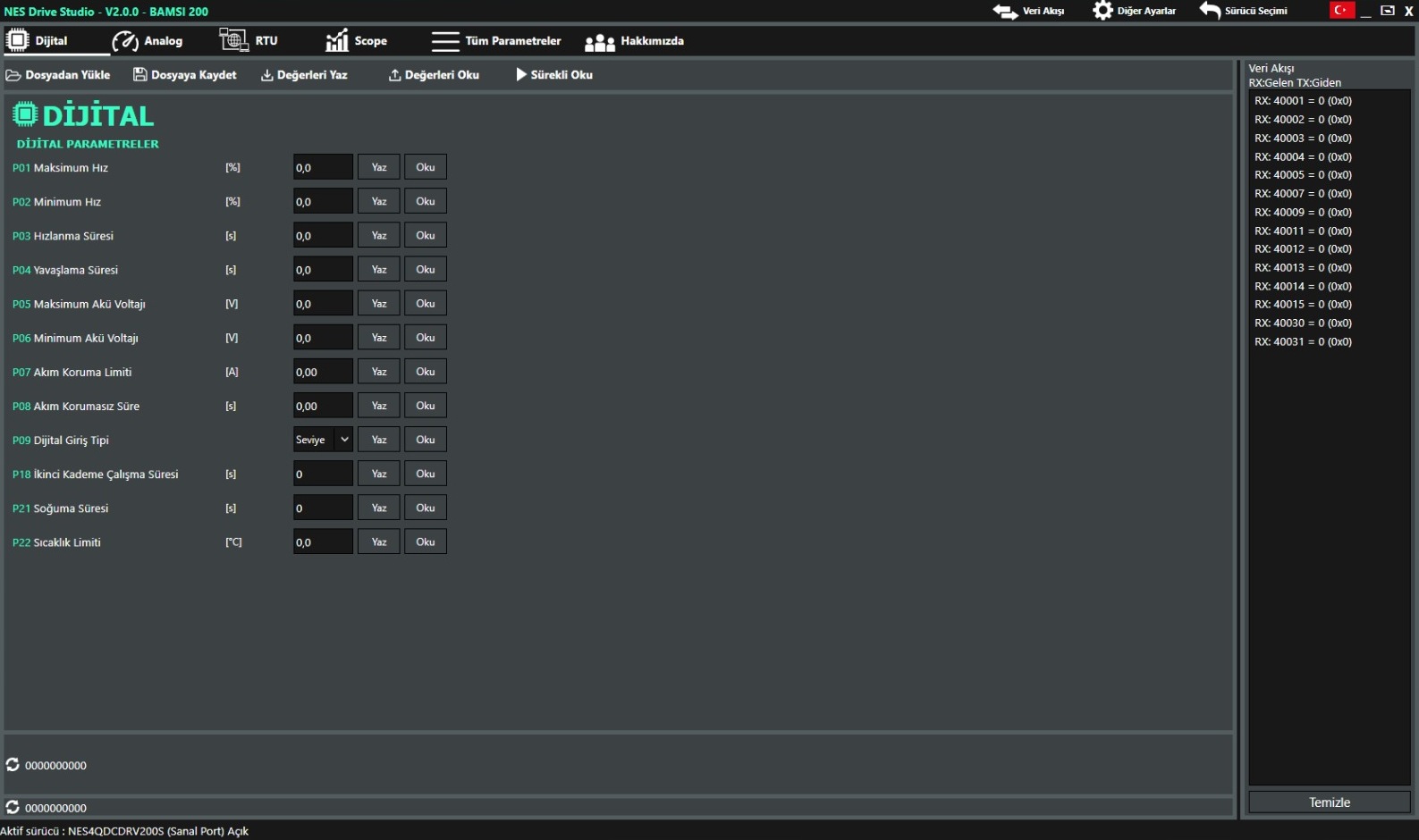
NES Studio 
All in one v4.0.0.9 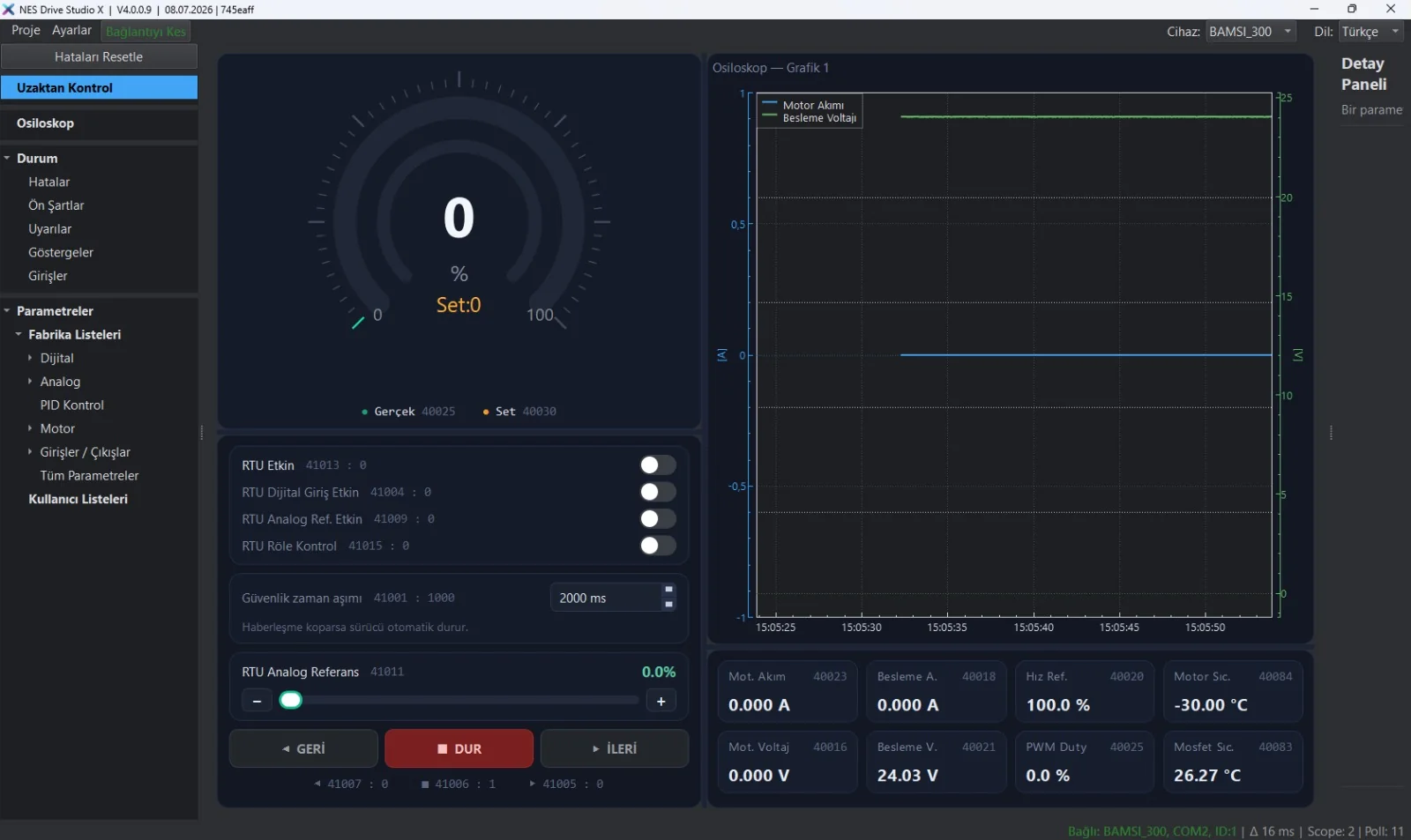
A compact interface that manages TULPAR and BAMSI drives from a single application and brings every tool into one window. Pick the device; parameters, monitoring and control on the same screen.
- TULPAR and BAMSI in one application: switch by device selection
- Oscilloscope: motor current, supply voltage and other values on a live chart
- Remote control: forward / stop / reverse, analog reference and safety timeout
- Status screen: faults, preconditions, warnings, indicators and inputs
- Factory and user parameter lists: digital, analog, PID, motor, I/O
- Live values: current, voltage, PWM, motor and MOSFET temperature
Contact Us for Access → NES Studio X is not offered as a download; contact our team for access.