 Guide
Guide CANopen Motor Control: CAN Bus Wiring and Setup
CANopen is the most common way to connect a motor controller to a host controller on mobile machines, from AGVs to forklifts. The protocol itself is robust; most problems in the field come from the installation, not the protocol. This guide briefly introduces CANopen and walks through connecting a motor drive to a CAN bus correctly.
What Is CANopen?
CAN (Controller Area Network) is a bus born in the automotive world, where devices communicate over a single two-wire line. CANopen is the application layer that runs on top of it: it defines which data travels in which message, how devices are started and stopped, and how parameters are read and written. In short, CAN is the cable and its electrical rules; CANopen is the language spoken over that cable.
What CANopen Gives a Motor Drive
- Real-time commands: speed or torque references reach the drive within milliseconds via PDO messages.
- Live status: current, speed, temperature and fault state are read back over the same line.
- Many devices on one cable: traction and pump drives, the BMS and the display work side by side on one bus.
- Noise immunity: the differential line keeps communication reliable even next to power cables.
Wiring: Bus Topology and 120 Ω Termination
A CAN bus is a linear backbone, not a star: devices are connected one after another along a single trunk, and branches (stubs) off the trunk are kept as short as possible. Use twisted-pair cable for CAN_H and CAN_L; carrying a CAN_GND line as a common reference is good practice.
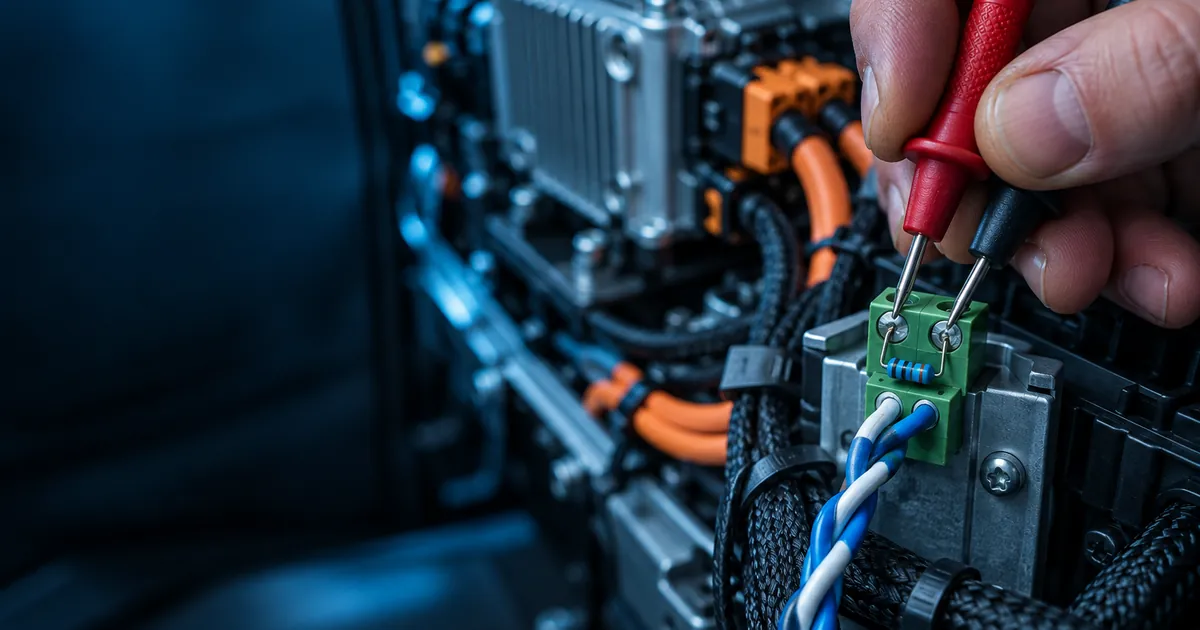
Fit one 120 Ω termination resistor at each physical end of the bus, no more and no fewer. The easiest check: with the whole system powered off, measure between CAN_H and CAN_L. You should see about 60 Ω. 120 Ω means only one resistor is fitted; around 40 Ω means there is an extra one on the bus.
Node ID and Baud Rate
Every device on the bus needs a unique node ID (1–127); if two devices share an ID, their messages collide. The baud rate must be the same on every device. The higher the speed, the shorter the allowed bus length. As a general guide:
- 1 Mbit/s → about 25 m
- 500 kbit/s → about 100 m
- 250 kbit/s → about 250 m
- 125 kbit/s → about 500 m
On vehicles the bus is usually short, so 250 or 500 kbit/s are common, safe choices. The user manual of your model explains how node ID and baud rate are set on the drive.
PDO, SDO and NMT: Message Types
- PDO (Process Data Object): time-critical data such as speed/torque commands and live status; short, fast messages.
- SDO (Service Data Object): reading and writing parameters; used during configuration and commissioning.
- NMT (Network Management): starts and stops devices. A drive will not respond to PDO commands until it is in the “operational” state.
- Heartbeat: each device sends a regular “I am here” message; if it stops, the host notices the lost link and can move to a safe state.
The Most Common Setup Mistakes
- Termination missing, doubled, or placed mid-bus instead of at the ends.
- Two devices with the same node ID.
- Different baud rates between devices.
- Long stubs or star wiring.
- Running the CAN cable unshielded in the same duct as motor power cables.
- Never switching the drive to “operational” via NMT: commands appear to go out but the motor does not turn.
CANopen on NESDrive Drives
In the NESDrive TULPAR series, the TULPAR 100, 150, 250, 275 and 300 support both CANopen and Modbus; TULPAR 200 offers Modbus RTU and RS232 only. The BAMSI series for brushed DC communicates via Modbus over RS232 (USB TTL on the BAMSI 200). If you need to control a brushed DC motor over CANopen, let us look at your project together. Model comparison: CANopen motor controller.
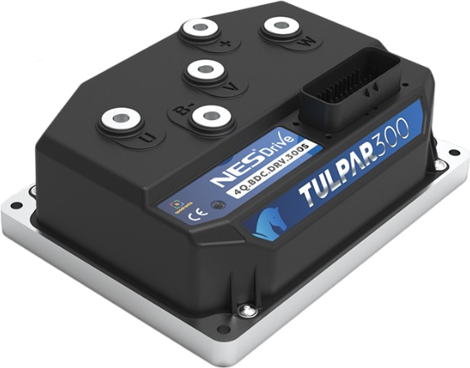
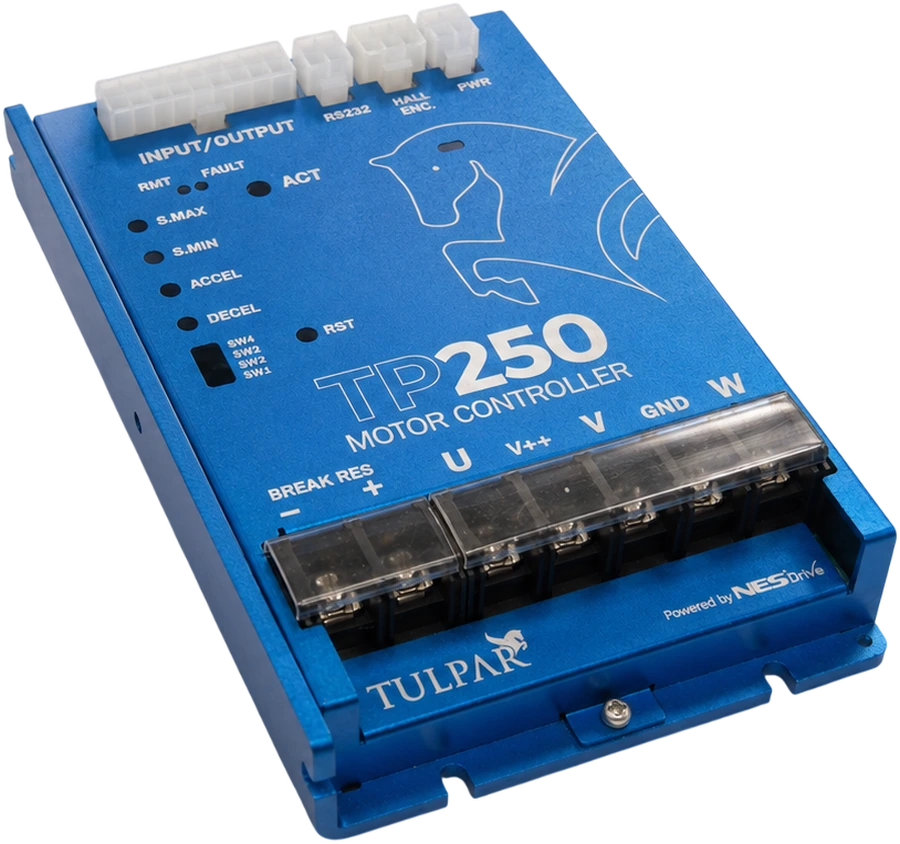
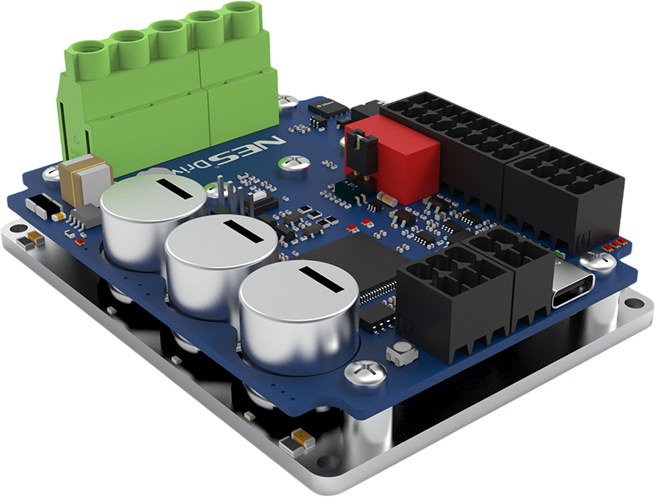
Share your application requirements and our engineering team will recommend the best NESDrive model.
 Guide
GuideWhat Determines Motor Controller Prices?
The 8 factors behind motor controller prices — current, voltage, 4Q, communication, STO, support — the real cost of a cheap one, and what a quote needs.
 Guide
GuideChoosing a 48 V Motor Controller: Watts and Amps
How do you size a 48 V motor controller? How many amps a 1000 W or 2000 W motor needs, why peak current and fully charged battery voltage matter.